A camera gear organizer for a creator studio should make equipment easy to find, return and protect between shoots. The layout may need fixed zones for camera bodies and lenses, flexible areas for microphones and cables, and clear separation for batteries, cards and cleaning tools. For an OEM product, the organizer should also support repeatable fit, branding and packing.
This guide explains how to organize studio gear for daily workflow, storage and transport while keeping the case suitable for a custom product program.
Quick Answer: What Makes a Studio Gear Organizer Useful?
| Studio need | Organizer direction | Practical result |
|---|---|---|
| Fixed camera set | Defined cavities or insert | Faster inventory checks |
| Mixed accessories | Dividers and flexible pockets | Easier kit changes |
| Many cables | Dedicated cable zone | Less tangling and searching |
| Lens protection | Separate padded sleeves | Less contact with hard gear |
| Branded studio system | Custom organizer and labels | Consistent equipment workflow |
Map the Studio Workflow Before the Case
List the equipment used before, during and after a shoot. Include camera bodies, lenses, microphones, batteries, cards, chargers, cables, small lights, mounts, cleaning cloths and support tools. Mark which items stay in the studio and which travel to a location.
The case layout should follow the workflow. Frequently used items should be close to the opening. Backup items can sit in secondary zones. Cables should have a dedicated pocket, while lenses should have a clean separated sleeve. If the organizer is moved between shelves and shoots, define both storage orientation and carry orientation.
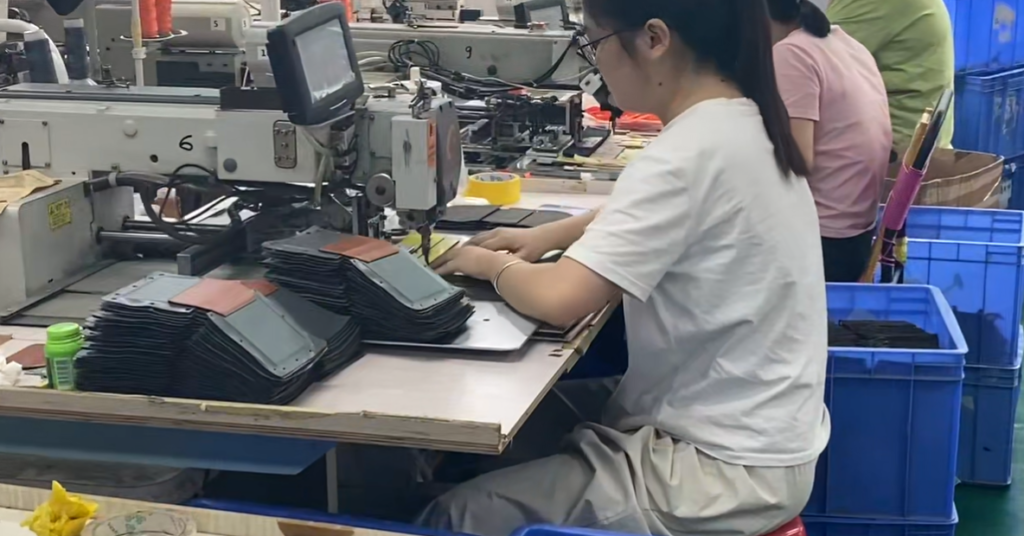
R150 records compact case assembly. It supports the principle that interior compartments, lining, opening and outer body need to be assessed after assembly. Evidence ID: MFG-FILTER-001, status REVIEW.
Fixed Zones Versus Adjustable Dividers
Fixed cavities suit a stable camera set and make inventory easy to see. Adjustable dividers suit studios where the gear mix changes. A hybrid can lock camera bodies and lenses while leaving open zones for microphones, batteries and cables.
Do not add more compartments simply because the case has available space. Too many small pockets can slow the workflow. Each pocket should have a clear purpose, access direction and label strategy.
R080 records accordion-divider stitching. This is a useful reference for flexible studio organizers, where the divider must separate items without making the bag difficult to reconfigure. Evidence ID: MFG-STITCH-001, status REVIEW.
Protect Lenses, Screens and Connectors
Lenses should not contact chargers, mounts, metal adapters or loose tools. Screens and polished surfaces need a clean contact zone. Connectors should have enough room to avoid sharp bending when the case closes.
Ask the factory to check lining cleanliness, loose threads, edge coverage, zipper clearance and cavity recovery after repeated use. If the organizer includes a removable insert, confirm that it does not buckle or shift inside the shell.
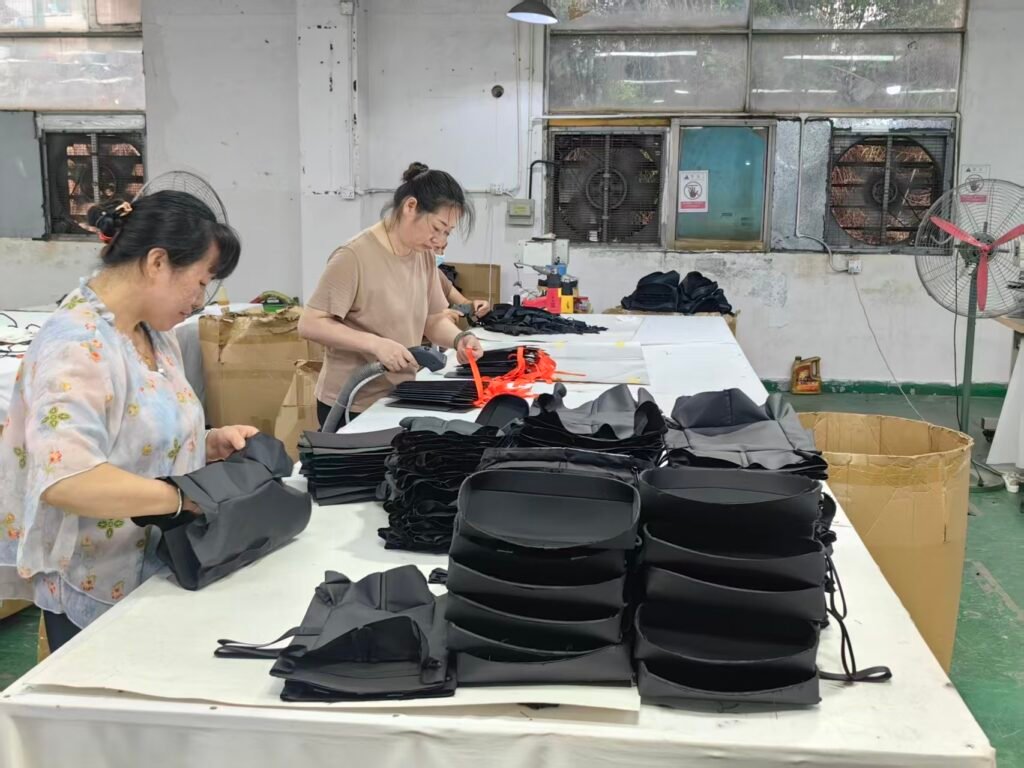
R105 records precision material cutting. Repeatable panel shapes are important in an organizer with multiple small cavities and pockets. Evidence ID: MFG-QC-001, status REVIEW.
Add Labels and Return-to-Place Rules
A studio organizer works better when a team can see where each item belongs. Labels can identify lens size, battery status, cable type or accessory group. Use a label method that remains readable and does not rub against the device surface.
For a branded product, provide vector artwork, label language, packaging and the intended studio workflow.
Develop a Custom Camera Gear Organizer
Send the full equipment list, case or shelf dimensions, storage orientation, carry method, layout sketch, material direction, logo artwork, packaging and target quantity. Approve the physical fit, access order, appearance, labels and packing separately.
The development file should state whether the organizer is fixed, adjustable or hybrid. If the studio changes equipment later, confirm whether the approved insert remains valid or needs a new sample.
FAQ – Use Rank Math FAQ Block
What is a camera gear organizer?
A camera gear organizer is a case, bag or insert that assigns practical storage zones to camera bodies, lenses, batteries, cables, microphones and support accessories.
How should a creator studio organize camera gear?
Use fixed zones for stable equipment, dividers for changing kits, separate lens and screen contact surfaces, and dedicated pockets for batteries, cards and cables.
Are camera inserts useful in a studio?
Yes. Inserts can make equipment positions easier to see and repeat, especially when the same camera kit is prepared for multiple shoots.
Can a camera gear organizer be custom made?
Yes. An OEM factory can develop a custom organizer from equipment samples, shelf or shell dimensions, layout, materials, branding and quantity requirements.
What should a studio equipment case include?
It should include defined areas for the actual camera kit, safe lens storage, cable management, battery storage, labels and the required carry or shelf format.
What is the MOQ for a custom studio organizer?
The standard minimum order quantity (MOQ) for this product family is 1000 units per order.
